Item record
Device list, visible condition, and reported exposure source.
Electronics drying kuna ID helps homeowners, tenants, and local businesses respond when leaks, flooding, or firefighting water reach computers and other equipment. Our team separates affected items, documents visible damage, and coordinates controlled drying with the surrounding water restoration. Call us promptly after exposure; leaving a device powered can worsen short-circuit damage, corrosion, and data loss.
Electronics drying covers water-event coordination, safe separation, visible-condition documentation, and controlled handling of affected devices. We also consider the room and materials around your equipment, because damp walls or flooring can keep contents exposed. Device repair, component replacement, and data recovery are specialist services; we help you identify when those next steps are needed.
A home leak can expose laptops, routers, televisions, and appliances before the full room damage is clear. We help you separate affected devices, coordinate building drying, and organize specialist testing.
Water can interrupt point-of-sale systems, office computers, and networking equipment in a single event. We document affected items and coordinate room cleanup so you can plan specialist checks and equipment return.
Electronics drying kuna ID is a contents-restoration service that stabilizes water-exposed electronic equipment before corrosion and electrical damage spread. We identify the device, note its condition, isolate power where safe, and assess whether moisture reached openings, connectors, or internal components. Drying is controlled rather than forced: heat guns and direct high heat can deform housings or damage screens. We document the work and coordinate with a qualified electronics repair provider when internal diagnostics or component replacement is needed. Drying can reduce further moisture exposure, but it cannot reverse every failure.
In Kuna, a burst pipe, roof leak, frozen pipe, or sump pump failure can soak a home office or a shop's point-of-sale equipment while water also affects drywall and flooring. Our crew connects the contents response to the building cleanup, so devices are not returned to a damp room. For electronics drying kuna ID near me, call with the device type, exposure source, and whether it was powered on; that helps us plan safe handling and the next step.
Keep wet electronics unplugged, separate from damp materials, and documented for specialist testing.
Our electronics drying process in Kuna starts with safety and ends with a clear record of the work completed. The timing depends on device construction, exposure, and specialist testing needs; we keep you informed at each handoff.
We first check for standing water, live electrical hazards, and the source of the leak. You should not plug in or charge wet equipment. If the room is unsafe, our water-restoration crew addresses extraction and access before handling contents. This first visit often takes 30 to 60 minutes for a small group of devices, depending on site conditions.
We list the affected equipment, note visible condition, and photograph items before moving them. You can point out essential work devices, backups, and data priorities so we can flag them for careful handling. This step usually takes 20 to 45 minutes for a home-office group; larger commercial inventories take longer.
We disconnect equipment only when it is safe, keep wet items apart from dry contents, and protect them during movement. We do not energize a wet device to test it. If water came from a sewage backup or another contaminated source, we assess contamination separately because cleaning and safe handling requirements differ from clean-water exposure.

We manage room humidity and building materials with suitable drying equipment while keeping direct heat and uncontrolled airflow off sensitive electronics. A hygrometer tracks ambient humidity; a dehumidifier supports room drying when needed. Conditions are checked over the following 24 to 72 hours in many building-drying situations, while device-level work follows the repair specialist's requirements.
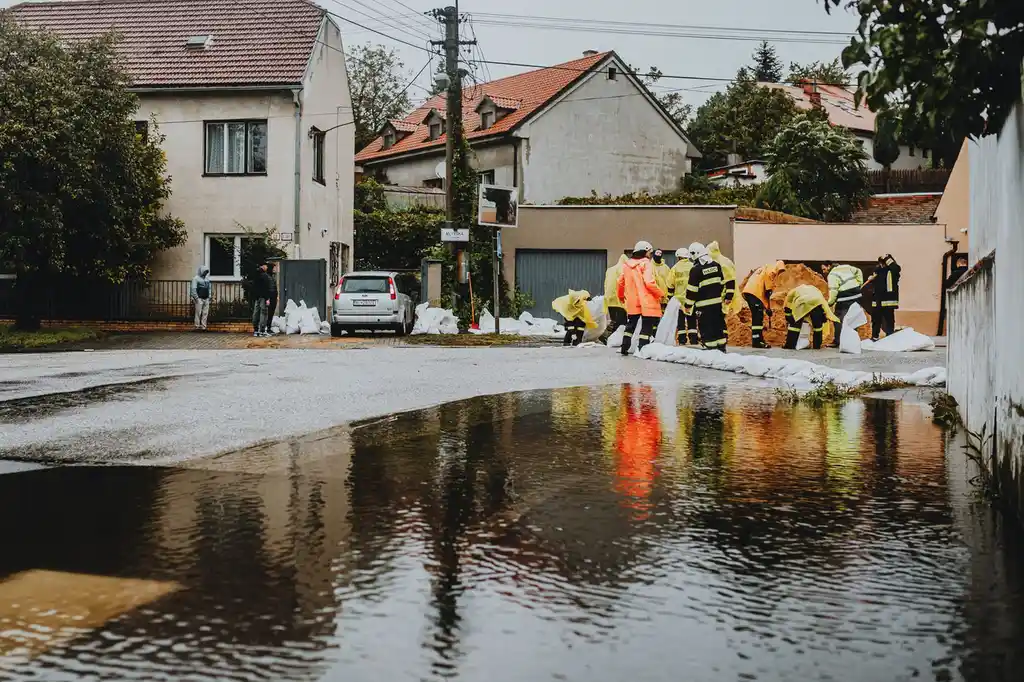
We share the item record, drying observations, and practical next actions with you. A qualified electronics repair shop must perform electrical diagnostics, component repair, or data recovery when needed. You receive a clearer basis for deciding whether to repair or replace each item, and we make sure the surrounding room is addressed before contents return.
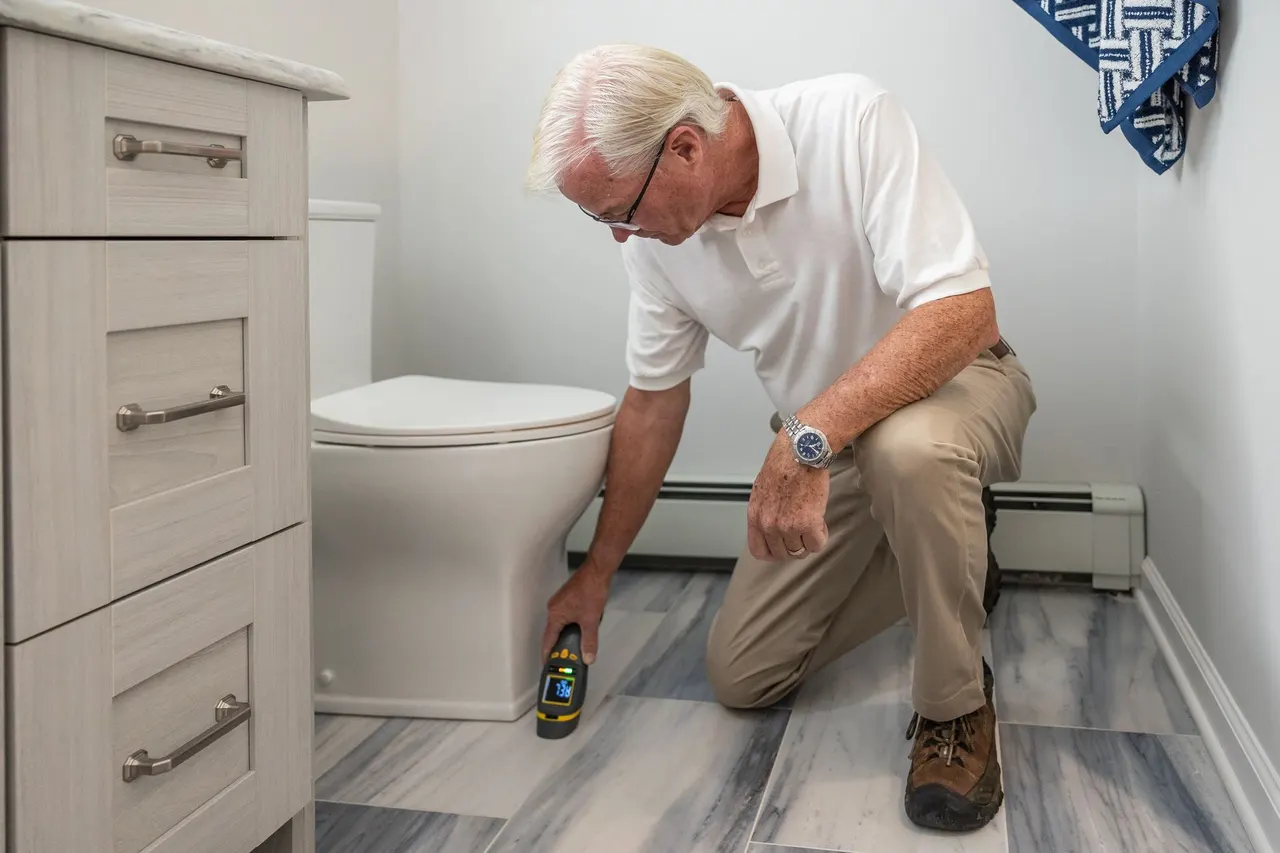
We check nearby building materials such as drywall and baseboards to track moisture levels and guide structural drying. The meter assesses materials, not internal electronics safety.

A hygrometer measures room humidity so we can understand the environment around separated contents and monitor whether the drying area is improving.
We position an air mover for appropriate structural materials, not directly against delicate devices. Airflow supports room drying when used with a controlled plan.
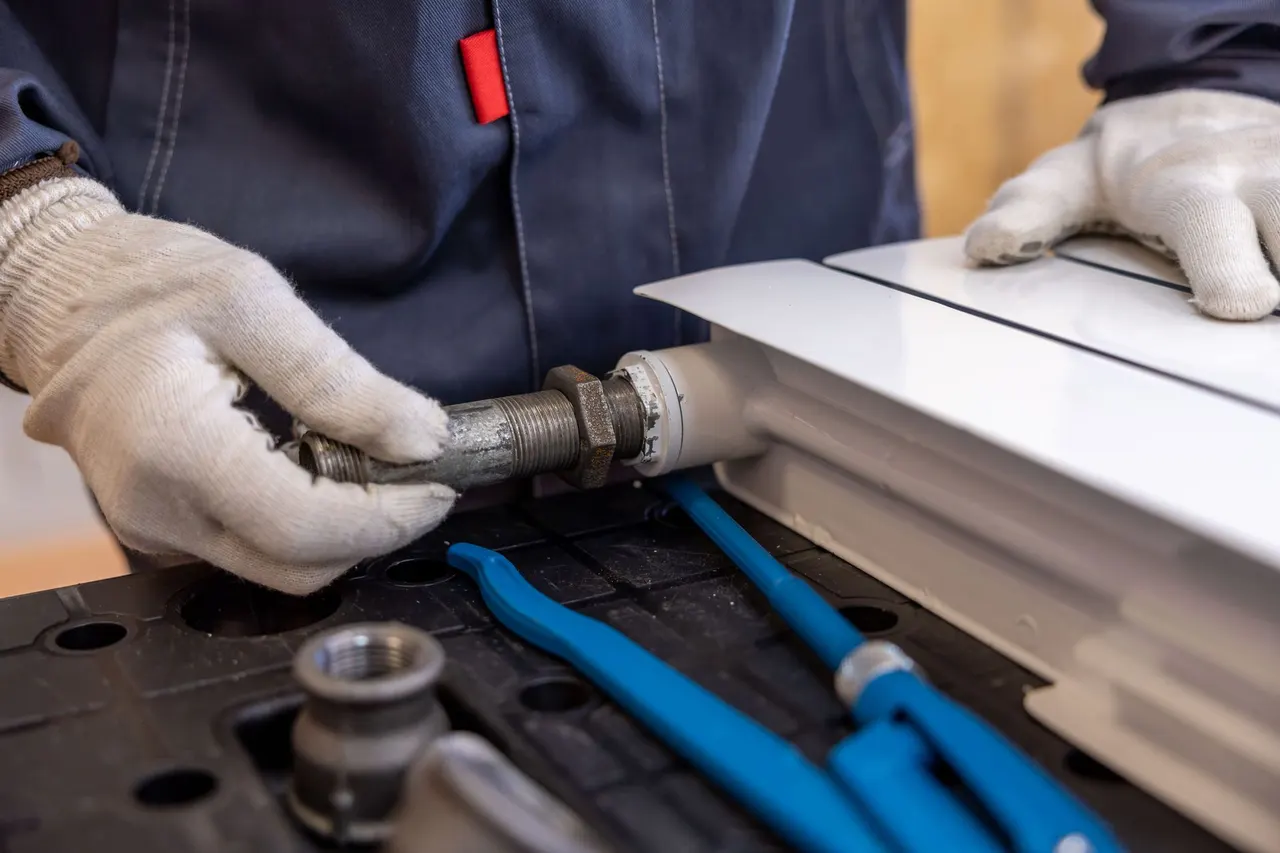
A dehumidifier removes moisture from the air in affected rooms, helping the building dry and reducing damp conditions around stored contents.
We use water extraction equipment to remove accessible standing water before contents are moved through or returned to the affected area.
We identify whether the exposure came from a clean supply line, a roof leak, or a sewage backup. That distinction affects safe handling and cleanup. We also ask whether the equipment was energized, how long it was wet, and which components were exposed before deciding how to document and separate each item.

We keep affected devices apart from dry property, note visible condition, and record the reported exposure. Items are moved carefully and kept unplugged. This creates a useful handoff for electronics repair, data recovery, or insurance discussions without implying that restoration drying alone confirms device function.
We use water-restoration principles informed by ANSI/IICRC S500 to address the surrounding structure. Moisture readings and humidity checks guide equipment placement and progress. Electronics remain protected from direct heat and unsuitable airflow while drywall, flooring, and other materials are assessed and dried.
We help make the area safe, coordinate water extraction, and list each affected item before moving it. Devices stay unplugged and separate from wet carpet or drywall. We then coordinate room drying and identify which items need electronics-specialist testing before use. You get an organized contents record, a safer room-drying plan, and clear next steps for essential devices and data.
We document exposed equipment and connect contents handling with roof-leak cleanup and ceiling inspection. Our team helps keep devices out of the damp area while the source and affected materials are addressed. A specialist handles internal diagnostics if water reached the equipment. Your business can prioritize critical equipment and plan reopening around room conditions and device testing.
We assess safe access, coordinate basement water removal, and identify contents by exposure. Items are separated from wet surfaces, while building drying addresses the room. If water was contaminated, we adapt the handling plan and direct device questions to an electronics repair specialist. You know which items were affected, what needs specialist assessment, and when the basement is ready for contents.
We document the water source, keep exposed equipment disconnected, and coordinate extraction from the floor and nearby materials. We check the room's moisture conditions and help organize a repair-provider handoff for device testing, rather than relying on appearance alone. Your devices are handled separately from the wet room, with a clear record for repair decisions and replacement planning.
Electronics drying in Kuna starts with the water source and the room, not with a power test. Cold snaps can bring frozen-pipe breaks, while winter storms and roof leaks can wet ceilings, home offices, or shop equipment. In warmer months, irrigation or plumbing leaks and sump pump problems can still leave lower rooms damp. We coordinate contents handling with the building response, using moisture readings to check nearby drywall, insulation, flooring, and baseboards. For Kuna electronics drying, we keep devices away from direct heat and avoid returning them to a room that remains humid. Our work follows applicable water-restoration practices, including ANSI/IICRC S500-informed structural drying; electrical diagnostics remain with a qualified electronics specialist. We serve properties across Ada County, including homes and commercial spaces in the 83634 and 83642 ZIP areas. If you need same day electronics drying kuna ID, share the device type, water source, and whether power was connected so we can organize safe next steps.
A burst pipe sent water under a home-office desk and soaked the laptop bag, power adapter, and carpet edge. The laptop had not been tested, and the homeowner was unsure whether to plug it in after wiping the case. The wall base and flooring still felt damp.
We documented the laptop and accessories, kept them disconnected, and coordinated extraction and room drying. A repair provider received the exposure notes for internal testing. The affected room was monitored over the next 48 hours, and the homeowner had a record of each item and its next step.
Keep electronics elevated off floors in utility and office areas, especially near plumbing. After any leak, leave wet devices unplugged and report the water source, exposure time, and power status before moving them.
A ceiling leak reached two monitors and a network switch above a retail counter. The equipment looked dry from the front, but moisture was present on the ceiling tile and wall. Staff needed to know what could be used before the next business day.
We recorded the affected units, separated them from the leak area, and coordinated ceiling and room drying. The room's humidity was checked as restoration continued, and a specialist assessed the equipment before it was returned. The business had an item list for its reopening plan.
Move critical equipment away from known roof-leak paths where practical, and keep spare devices stored above floor level. If a ceiling stain grows or drips, protect equipment without touching wet electrical connections.
A sump pump failure left water across a basement floor near a desktop computer, router, and boxed appliances. The homeowner could not tell which items had direct contact or whether the damp room was safe for storage after water removal.
We coordinated water removal, separated the electronics, and documented visible exposure. Room drying continued for 72 hours as conditions were checked, while device diagnostics were arranged separately. The homeowner knew which equipment needed specialist review before power was restored.
Store electronics and appliances on stable shelving above the floor in basement areas. Check the sump system as part of routine home care, and avoid energizing any device that may have contacted water.
Water exposure creates more than a visible wet surface: moisture can enter ports, seams, and internal assemblies, while the room itself may remain damp. We help Kuna customers organize safe contents handling and connect each issue to the right restoration or repair step.
We record the device condition and exposure, keep it disconnected, and separate it from wet materials. Our team coordinates the room cleanup and recommends specialist diagnostics before the laptop is powered. If the water source was contaminated, we account for that in handling rather than treating it as a simple clean-water spill. Powering it on can worsen electrical damage, and liquid residue can continue affecting contacts after the outside appears dry.
We address the leak-related water damage and monitor the room as building materials dry. Equipment is kept away from direct heat and uncontrolled airflow. We document affected items and coordinate a return only after the room conditions are suitable and any required electronics testing is complete. Persistent humidity can affect equipment and stored contents even after the visible drip stops, while wet ceiling materials remain a source of moisture.
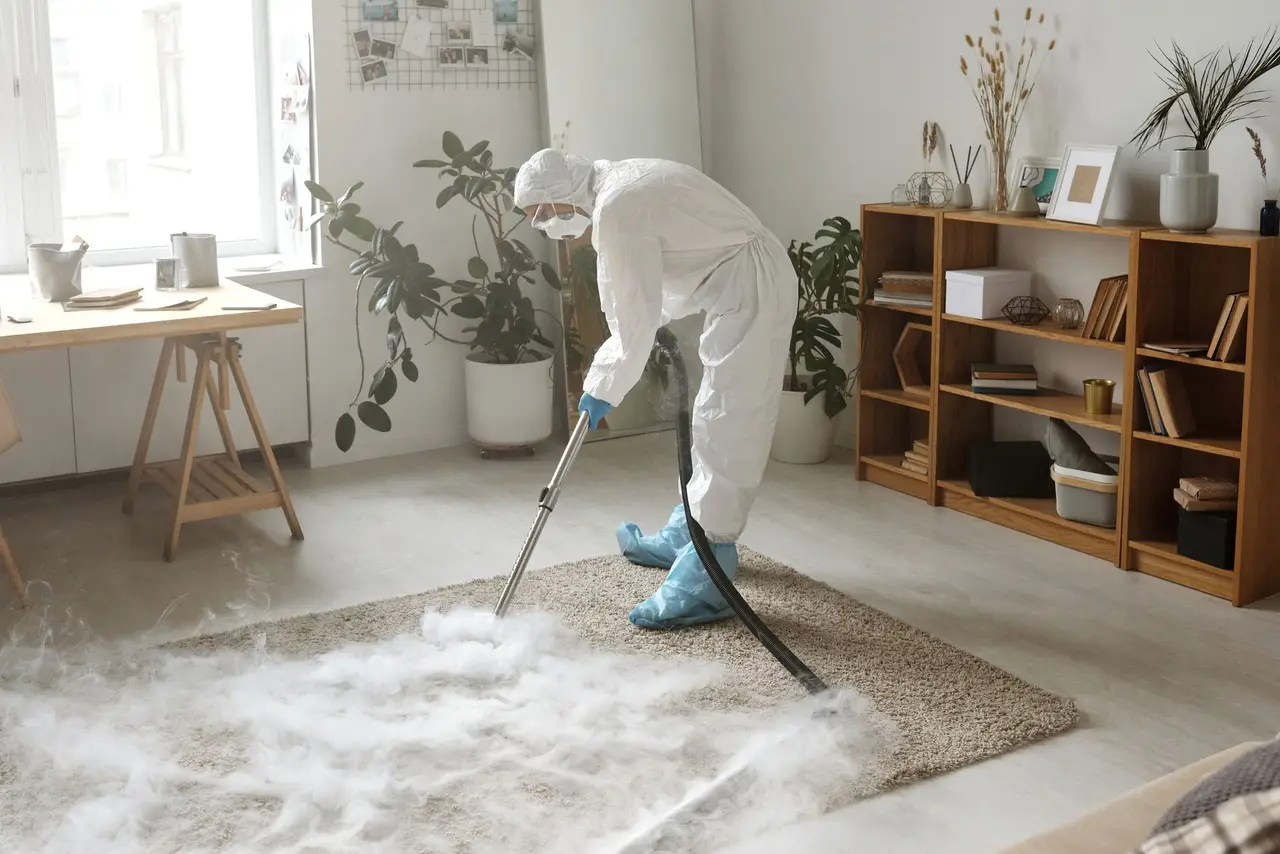
We prioritize safe access and water removal, then identify which contents need separate handling. Our team coordinates basement drying and documents affected electronics so you can arrange appropriate specialist inspection. We also help keep items from being returned to a space that still has elevated moisture. Water can reach low outlets, cords, and device openings, creating electrical risk and leaving equipment exposed to dirty water or damp surfaces.
We advise you not to continue testing or charging it. We document the exposure and coordinate specialist diagnostics while the water restoration addresses the room. That sequence gives you a safer decision point than relying on a brief power-on test. Initial operation does not rule out corrosion, delayed failure, or unsafe electrical conditions inside the device.
We separate affected equipment from wet carpet, walls, and standing water, then move items to a controlled area where appropriate. Prompt separation helps limit continued exposure while the building is dried. Our moisture meter and hygrometer readings help track the surrounding conditions; neither tool substitutes for a device-level electrical inspection.
We record visible condition, device identifiers when accessible, and the exposure source before handling. That information helps you communicate with a repair shop or insurer and distinguish existing damage from the water event. Photos and item notes are especially useful when several computers or appliances were affected at once.
Kuna electronics drying works best alongside a dry room, not in a humid space with wet insulation or carpet padding. We address building moisture with appropriate air movers and a dehumidifier while keeping electronics out of direct airflow and away from unsafe heat. This coordination reduces the chance of putting cleaned contents back into damp conditions.
A documented assessment helps you decide whether to pursue specialist diagnostics, data recovery, replacement, or further cleaning. We do not treat a device that powers on as automatically safe; internal corrosion can develop after the exterior looks dry. The goal is a practical next step based on condition, exposure, and the item's value.
Clear records you can keep and share.
Device list, visible condition, and reported exposure source.
Room conditions and related building moisture observations.
Repair-provider handoff guidance for testing or data recovery.
Room drying controls moisture in building materials and air, while device repair examines internal electronics. We coordinate the two tasks without treating one as proof of the other.
Do not charge or power on a wet device. A repair specialist should assess electrical safety before testing.
Clean supply water and sewage exposure require different handling. Tell us what reached the equipment so we can organize an appropriate response.
A device should not return to a damp space simply because its casing looks dry. We track the surrounding room separately.
Outside these neighborhoods? Call and ask about service for your address. (833) 546-4116
Kuna water damage restoration handles water-event response, contents documentation, and coordinated drying for affected electronics in Kuna. We first address safety and the surrounding wet area, then separate and record the devices. Internal electrical testing, component repair, and data recovery require an electronics specialist. Tell us what got wet, what kind of water was involved, and whether the device was powered; those details shape the safest next step.
In 2026, water-damage contents handling and drying commonly ranges from $150 to $850, depending on the number and type of items. Specialist diagnostics, data recovery, parts, and replacement are separate costs set by the repair provider. We explain the restoration charge upfront before work proceeds. A single laptop with clean-water exposure is a different job from a group of devices affected by contaminated water or a room-wide flood.
Some water-damaged electronics can be restored, but no drying method can guarantee function or recover data. The odds depend on whether the device was powered, the water source, exposure time, and internal design. Do not charge or switch it on; disconnect power only if safe. We document and stabilize the item, then coordinate specialist testing. Water damaged electronics drying kuna ID is most useful when handling starts before corrosion and residue progress.
Initial sorting and documentation for a small set of devices often takes 30 to 90 minutes, while building drying commonly runs 24 to 72 hours. Device repair and data recovery can take longer because they require specialist testing and parts. We keep electronics separate from wet materials and track room humidity. Your specific timeline depends on exposure, device type, water contamination, and the repair provider's findings.
A wet device should stay unplugged while the water source and surrounding room are addressed. Call Kuna water damage restoration at (833) 546-4116 with the device type and exposure details; our team will help organize the next step and protect affected contents.
Call (833) 546-4116 when water reaches your home or business in Kuna, Idaho. Tell us whether the source is still active, which rooms are affected, and when the damage began; that helps direct the next steps. Calls are accepted at any hour for emergency inquiries, and service coverage includes Kuna, ID, with ZIP codes 83634 and 83642.